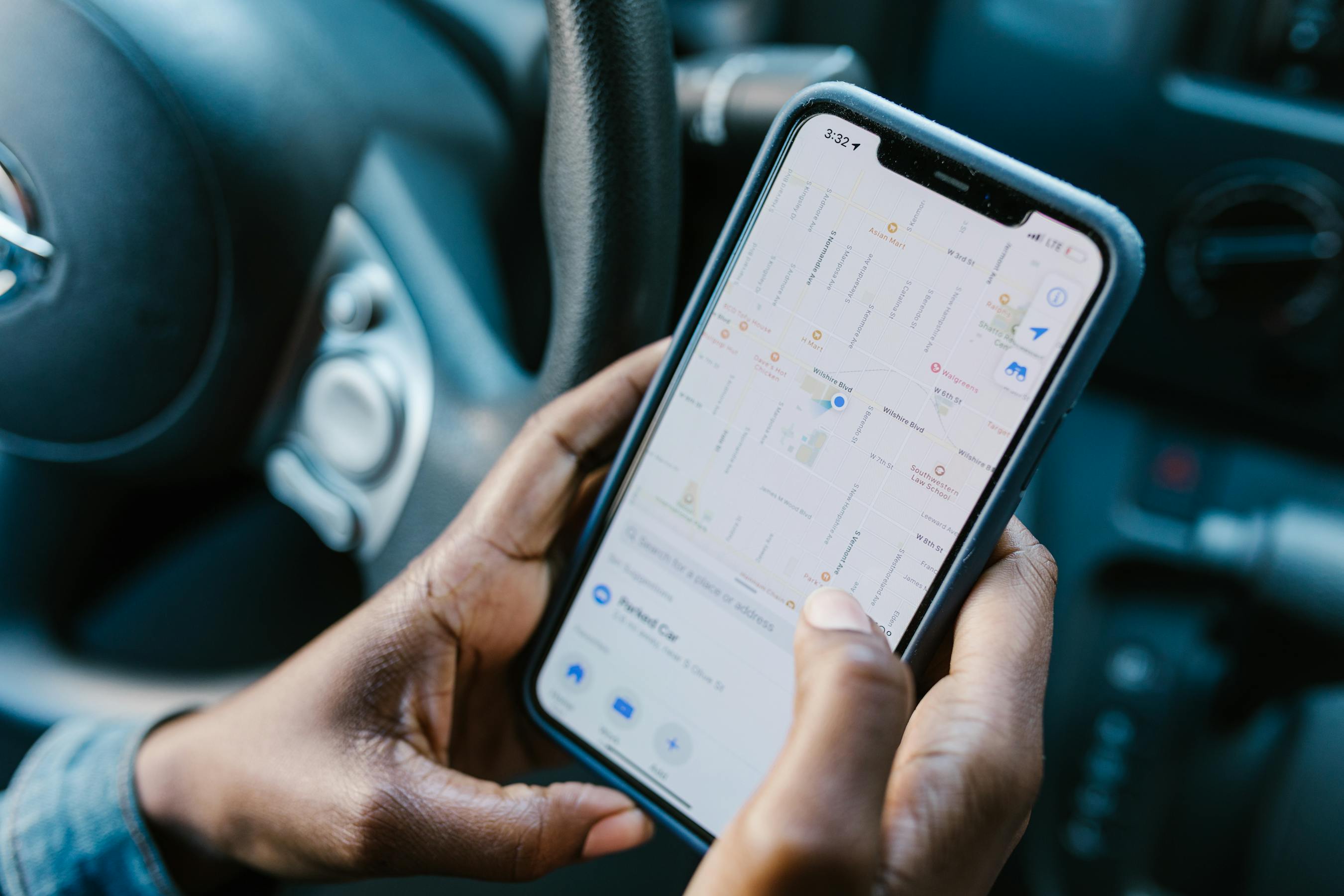
How to Set Up Geofencing for Kids: Location Alerts When They Arrive and Leave
Geofencing sends you an automatic alert when your child arrives at or leaves school, home, or any other location. Here's how to set it up in Cylux.
What Is Geofencing?
Geofencing creates a virtual boundary around a real-world location. When your child's phone enters or exits that boundary, Cylux sends you an instant notification. No more texting "did you get to school?" every morning — you just get a notification when they arrive.
How to Set Up Geofences in Cylux
- Open the Cylux parent app and tap your child's profile.
- Tap Location → Safe Zones → Add Zone.
- Type an address or tap the map to drop a pin at the desired location.
- Adjust the radius (50m–500m) to define how close counts as "arrived."
- Choose your alert preferences: On Arrival, On Departure, or Both.
- Name the zone (e.g., "School," "Home," "Grandma's").
- Tap Save.
Most Useful Geofences to Set Up
School
Get notified when your child arrives at school (no more "did you make it?" texts) and when they leave. Unexpected departure during school hours is worth noting.
Home
Know when your latchkey child arrives home after school. Start dinner without the anxiety of wondering if they're safe.
Friend's Houses
Set temporary geofences for playdates and sleepovers at friends' homes.
Recurring Locations
Sports fields, after-school programs, grandparents' homes — anywhere your child goes regularly is worth a geofence.
Alerts When Your Child Goes Somewhere Unexpected
Geofencing doesn't just confirm expected arrivals — it also alerts you to departures from expected locations at unexpected times. If your child's phone leaves school grounds at 11 AM on a Tuesday, you'll know immediately.
Geofencing + Real-Time Map
Geofencing works alongside Cylux's real-time location map. When a geofence alert fires, you can tap it to see exactly where your child is on the map in real time — not just that they've crossed a boundary.
Privacy Conversation for Teens
For older children, frame geofencing as practical safety: "I don't need to know every place you go — but I do get a notification when you leave school and when you get home. It means I don't worry and you don't have to text me." Most teenagers find this reasonable.
Set Up Geofencing Today
GPS tracking and geofencing are available on Cylux Pro and Ultimate. Start at cylux.co.
Cylux Features
See Everything Cylux Can Do for Your Family
See Cylux plans and pricing — from $4.99/month.
Screen time limits · App blocking · Web & content filtering · GPS location tracking · Remote device lock · Bedtime enforcement · Call & SMS monitoring · SOS panic button · Real-time content monitoring · Activity reports — works on Android, iOS, iPad, Windows, Mac, Chromebook, Kindle, Roku, Smart TV, Samsung, LG & every Smart TV. One parent dashboard for every device your child uses.
Explore All Features →Written by
Cylux Team
Published April 26, 2026
Ready to protect your family?
Keep your kids safe online
without breaking their trust.
GPS tracking, app blocking, screen time limits, and real-time alerts — all in one app used by thousands of families.
Get Started