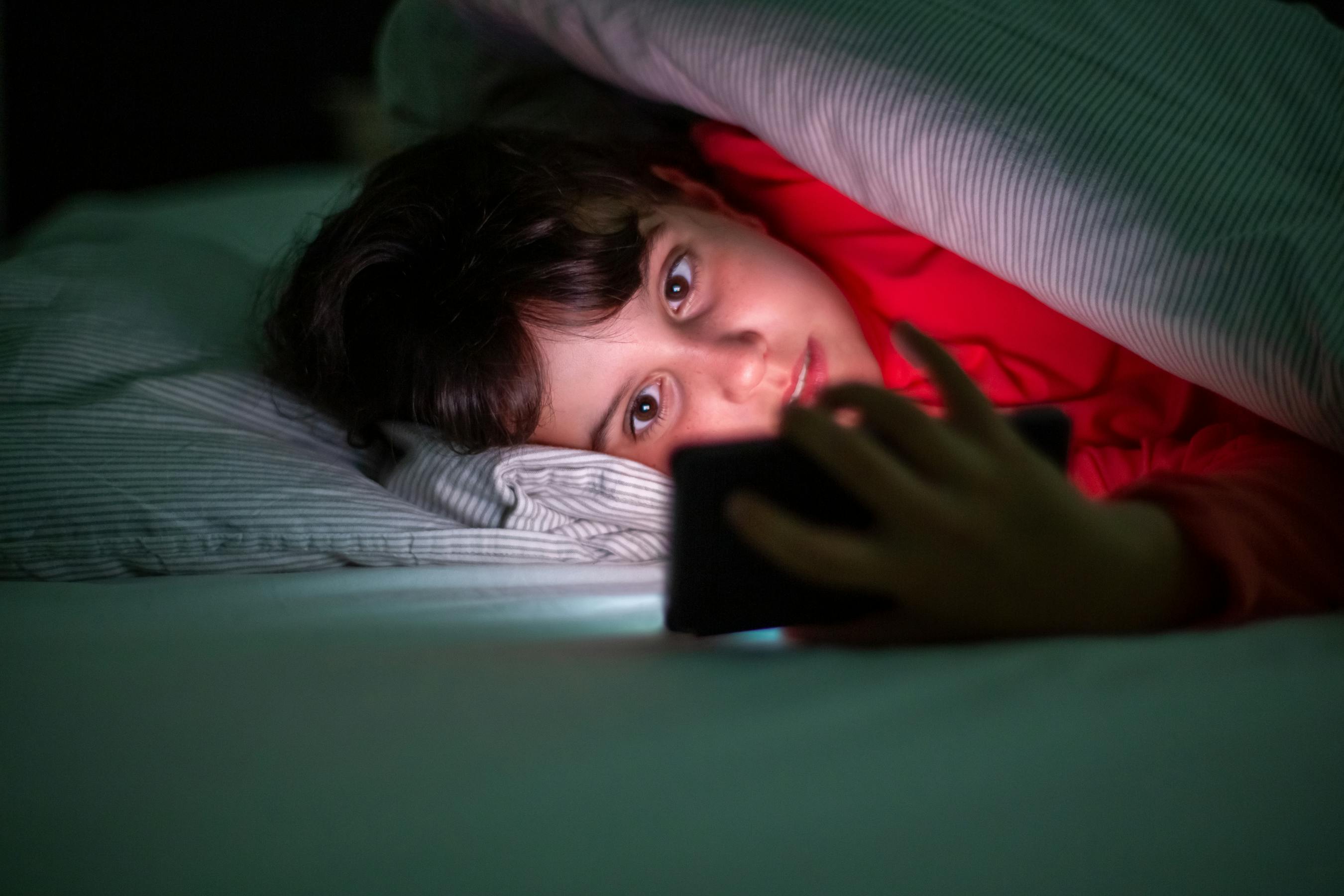
How to Set a Bedtime Lock on Smart TV So Kids Can't Watch TV After Hours
Automate your child's Smart TV bedtime with Cylux — the TV locks itself at the time you choose and unlocks in the morning.
Why Bedtime TV Rules Are Hard to Enforce
Children are wired to resist sleep, and TV is the most compelling reason to stay awake. Telling a child "no more TV after 9 PM" and actually enforcing it are two different things — especially if you're also trying to get yourself ready for bed. An automated bedtime lock removes the enforcement burden entirely.
How Cylux Bedtime Lock Works
You set a time range in the Cylux parent app — for example, 9 PM to 7 AM. When 9 PM arrives, the Smart TV displays a full-screen lock message and stops responding to the remote. The next morning at 7 AM, it automatically unlocks. No manual action needed, no arguments, no negotiation.
Setting Up a Bedtime Schedule
- Open the Cylux parent app and tap your child's Smart TV.
- Tap Schedules → Add Schedule.
- Set the lock time (e.g., 9:00 PM) and unlock time (e.g., 7:00 AM).
- Choose which days the schedule applies — most families use all 7 days or weekdays only.
- Label it "Bedtime" and tap Save.
The schedule activates immediately. You can edit or pause it anytime from the parent app.
Setting Different Bedtimes for Weekdays and Weekends
Many families want a stricter bedtime on school nights. Add two separate schedules:
- School nights (Mon–Thu): Lock at 8:30 PM, unlock at 6:30 AM.
- Weekend nights (Fri–Sun): Lock at 10:00 PM, unlock at 8:00 AM.
What the Lock Screen Shows
You can customize the message your child sees when the TV locks. Popular choices:
- "Time for bed! See you in the morning. 🌙"
- "Screen time is over. Sweet dreams!"
- "TV is locked. Go brush your teeth!"
Manual Override
If there's a special occasion (movie night, New Year's Eve), you can tap Pause Schedule in the parent app to temporarily disable the bedtime lock. It resumes automatically the next day.
The Sleep Science Behind It
Blue light from screens suppresses melatonin production and delays sleep onset by 1–2 hours. Children who watch TV right before bed take longer to fall asleep, sleep less deeply, and wake up more tired. A consistent hard stop at least 30–60 minutes before bed makes a measurable difference in sleep quality and school performance.
Set It Tonight
Bedtime scheduling is included in all Cylux plans. Set it up at cylux.co — your evenings will be calmer by tomorrow.
Cylux Features
See Everything Cylux Can Do for Your Family
See Cylux plans and pricing — from $4.99/month.
Screen time limits · App blocking · Web & content filtering · GPS location tracking · Remote device lock · Bedtime enforcement · Call & SMS monitoring · SOS panic button · Real-time content monitoring · Activity reports — works on Android, iOS, iPad, Windows, Mac, Chromebook, Kindle, Roku, Smart TV, Samsung, LG & every Smart TV. One parent dashboard for every device your child uses.
Explore All Features →Written by
Cylux Team
Published April 26, 2026
Ready to protect your family?
Keep your kids safe online
without breaking their trust.
GPS tracking, app blocking, screen time limits, and real-time alerts — all in one app used by thousands of families.
Get Started