How to Restrict TV During Homework Time Automatically
Set up automatic TV blocking during homework hours so your kids can focus — Cylux enforces study time without any daily argument.
The Homework-TV Battle
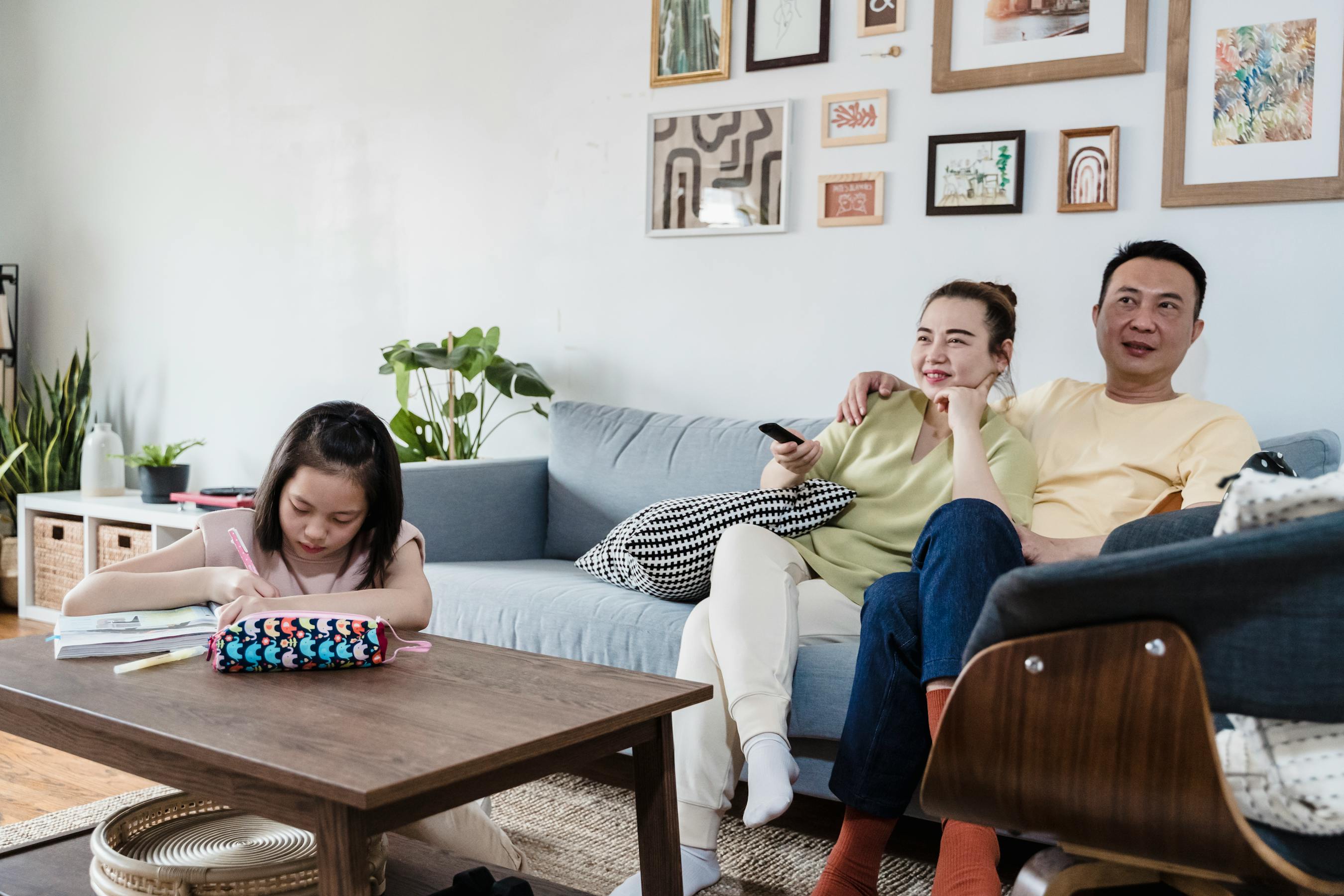
Every school afternoon plays out the same way in millions of homes: child gets home, turns on TV before starting homework, parent asks them to turn it off, argument ensues. It's a daily drain on everyone. Cylux eliminates it by automatically blocking the TV during homework hours — no parent intervention needed.
Setting Up a Homework Lock Schedule
- Open the Cylux parent app and tap your child's Smart TV.
- Tap Schedules → Add Schedule.
- Set the start time to when your child gets home from school (e.g., 3:00 PM) and end time to when homework should be done (e.g., 5:30 PM).
- Select weekdays only (Mon–Fri).
- Label it "Homework Time" and save.
From this point on, the TV will lock automatically at 3 PM every weekday and unlock at 5:30 PM. Your child can see the lock screen and knows exactly when it will unlock — which actually reduces asking "can I watch TV now?" because the answer is always visible on the screen.
What the Lock Screen Shows Your Child
Cylux displays the schedule name ("Homework Time") and the exact unlock time. This transparency is important — children accept automated rules more readily than arbitrary parental decisions because there's no room for negotiation or argument. "The app says 5:30" ends the conversation.
Combining Homework Lock with a Daily Limit
For best results, use both a schedule AND a daily limit:
- Schedule: Block TV 3 PM–5:30 PM on weekdays
- Daily limit: 2 hours total on weekdays
This means even after 5:30 PM, your child can only watch 2 hours before the TV auto-locks for the day. You can also set a second schedule for bedtime (9 PM–7 AM) to complete the daily structure.
Adjusting for School Holidays
On school holidays and summer break, you can pause the homework schedule for specific days or delete it temporarily. Cylux makes it easy to toggle schedules without rebuilding them from scratch.
Applying to Phones and Tablets Too
Cylux's scheduling works across all your child's devices — Smart TV, Android phone, and iOS. Set the same homework block on their phone so they can't swap from TV to phone to continue watching. One schedule, applied everywhere.
The Result
Parents who use homework scheduling report that the daily TV argument simply disappears. The rule becomes "the app's rule" not "mom's rule" — and children's frustration redirects toward the technology rather than the parent, which paradoxically makes it easier to maintain a positive relationship while still holding firm boundaries.
Set up your homework schedule today at cylux.co.
Cylux Features
See Everything Cylux Can Do for Your Family
See Cylux plans and pricing — from $4.99/month.
Screen time limits · App blocking · Web & content filtering · GPS location tracking · Remote device lock · Bedtime enforcement · Call & SMS monitoring · SOS panic button · Real-time content monitoring · Activity reports — works on Android, iOS, iPad, Windows, Mac, Chromebook, Kindle, Roku, Smart TV, Samsung, LG & every Smart TV. One parent dashboard for every device your child uses.
Explore All Features →Written by
Cylux Team
Published April 26, 2026
Ready to protect your family?
Keep your kids safe online
without breaking their trust.
GPS tracking, app blocking, screen time limits, and real-time alerts — all in one app used by thousands of families.
Get Started