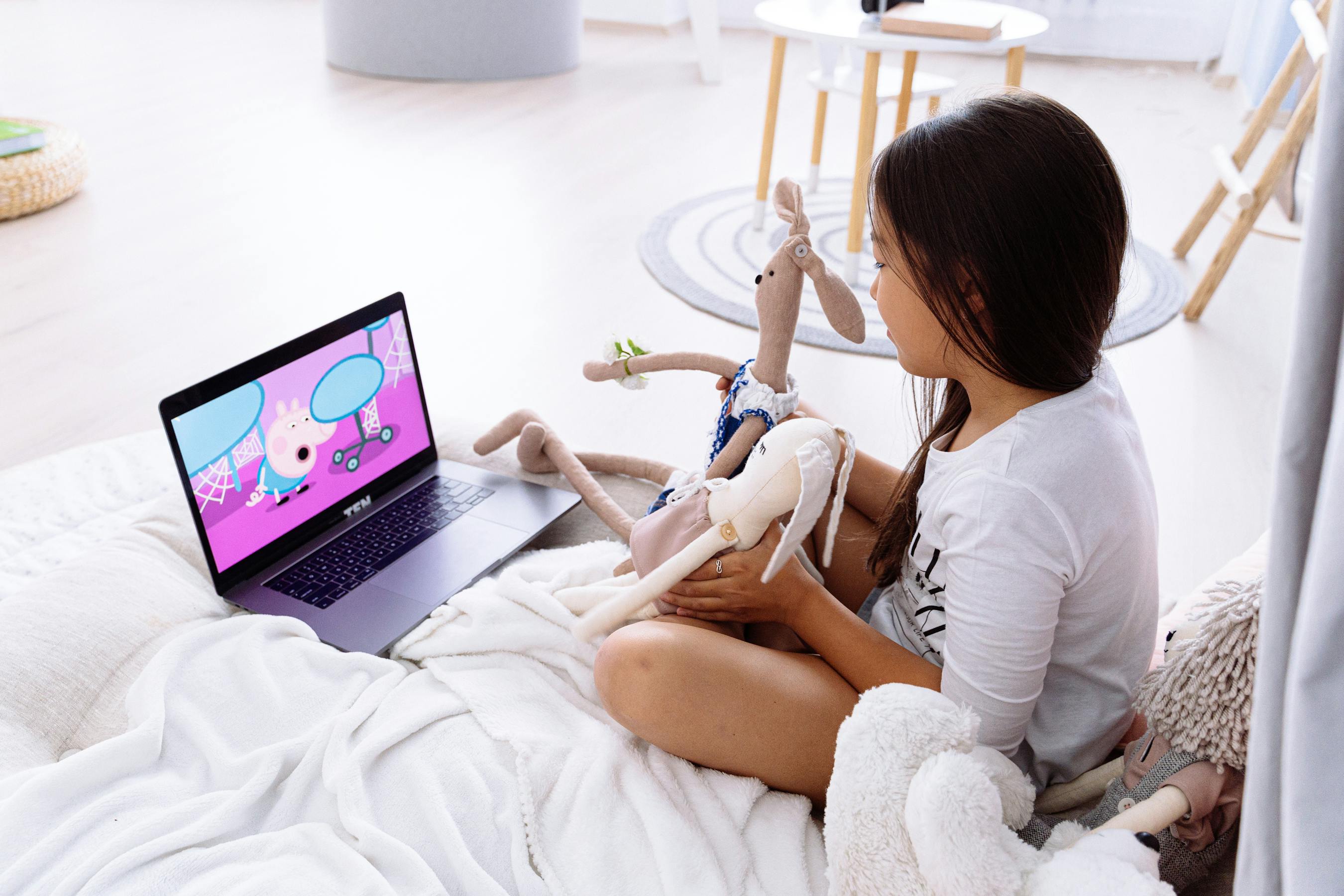
How to Monitor Prime Video Watching History for Kids
Cylux lets parents see exactly what their children have watched on Amazon Prime Video — including titles, duration, and timestamps.
Why Prime Video History Isn't Enough
Amazon Prime Video has a "Watch History" section in Account settings, but it shows all profiles together (adults and children) and doesn't send you notifications. Monitor Prime Video watching history kids with Cylux for real-time, per-child reporting that actually keeps you informed.
What Cylux Shows You About Prime Video
- The exact title your child watched (movie name, show + episode)
- When they started and how long they watched
- How Prime Video usage compares to other streaming apps that day
- Historical log going back 30 days
- Alerts when Prime Video is opened outside allowed hours
Setting Up Prime Video Monitoring
- Install Cylux on the Smart TV where your child watches Prime Video.
- In the parent app, tap your child's device → Activity.
- Prime Video usage appears in the activity feed automatically — no additional configuration needed.
For enhanced content detection (title-level monitoring vs. app-level), ensure Cylux has the required accessibility permissions on the Smart TV. The setup guide in the parent app walks you through this in 2 minutes.
Setting Prime Video Time Limits
In Cylux App Controls, you can set per-app time limits for Prime Video specifically — separate from the overall daily screen time limit. For example:
- Total daily screen time: 2 hours
- Prime Video specifically: maximum 1 hour within that total
This prevents your child from spending their entire daily allowance on one app.
Combining with Prime Video's Own Parental Controls
For best results, use both:
- Prime Video PIN — set a content rating limit and PIN at primevideo.com → Account → Parental Controls
- Cylux monitoring — see what's actually watched and enforce total viewing time
Prime Video's own controls filter by rating; Cylux shows you what passed through and for how long.
Start Monitoring Today
Complete Prime Video parental controls start at cylux.co.
Cylux Features
See Everything Cylux Can Do for Your Family
See Cylux plans and pricing — from $4.99/month.
Screen time limits · App blocking · Web & content filtering · GPS location tracking · Remote device lock · Bedtime enforcement · Call & SMS monitoring · SOS panic button · Real-time content monitoring · Activity reports — works on Android, iOS, iPad, Windows, Mac, Chromebook, Kindle, Roku, Smart TV, Samsung, LG & every Smart TV. One parent dashboard for every device your child uses.
Explore All Features →Written by
Cylux Team
Published April 26, 2026
Ready to protect your family?
Keep your kids safe online
without breaking their trust.
GPS tracking, app blocking, screen time limits, and real-time alerts — all in one app used by thousands of families.
Get Started