GPS Tracking Apps for Kids: How to Know Where Your Child Is at All Times
Cylux includes real-time GPS tracking for children's Android and iOS devices. Here's how it works, what parents can see, and how to set it up.
Why GPS Tracking Gives Parents Peace of Mind
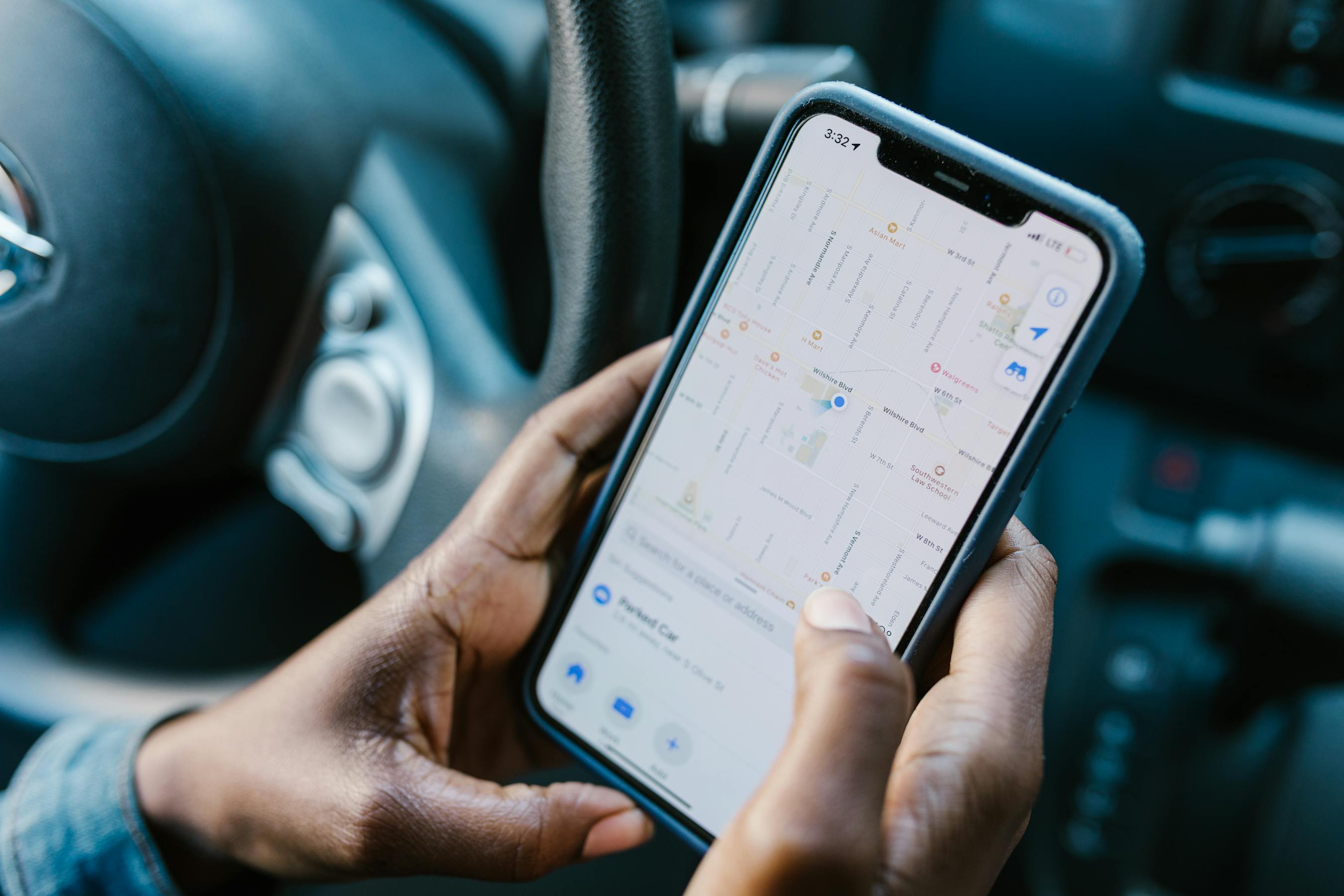
Whether your child is walking home from school, at a friend's house, or at a sports practice, knowing their real-time location eliminates anxiety. GPS tracking in Cylux is passive — your child carries their phone as normal, and you see their location on a map in the parent app.
How Cylux GPS Tracking Works
Cylux uses the child's phone GPS (available on all modern smartphones) combined with Wi-Fi and cell tower triangulation to provide accurate location data. The location updates every few minutes and is displayed on a map in your parent app.
Key Features
Real-Time Location Map
Open the parent app and tap your child's profile to see their current location on a map. You can see their exact address, the time the location was last updated, and their battery level.
Location History
See where your child has been throughout the day — a timeline of locations with timestamps. Great for understanding their routine or verifying they went where they said they were going.
Geofencing Alerts
Set up "safe zones" — places like home, school, or grandma's house. Cylux sends you a notification when your child arrives or leaves a safe zone. No more texting "did you get to school?" every morning.
SOS Panic Button
The Cylux child app includes a large SOS button. When pressed, it instantly sends you an alert with your child's exact GPS coordinates. This is a critical safety feature for older children who travel independently.
Setting Up GPS Tracking
- Install the Cylux child app on your child's Android or iOS phone.
- During setup, grant Cylux Location — Always On permission.
- In the parent app, tap your child's profile and select Location.
- Their location will appear on the map immediately.
For geofencing, tap Safe Zones → Add Zone, type an address or tap the map, and choose whether to be notified on arrival, departure, or both.
Privacy and Transparency
We recommend being transparent with your child about location tracking — explain that it's a safety feature, not surveillance. Cylux allows you to show children their own location history so they understand what's being tracked. This builds trust and makes children more likely to carry their phone charged.
Battery Impact
Cylux's location service is optimized to minimize battery drain. In testing, it adds approximately 5–8% additional battery use per day compared to a phone without location tracking.
Compatible Devices
GPS tracking works on Android 8.0+ and iOS 13+. It does not require a data connection at the time of tracking if the phone has GPS signal — location is cached and sent when connectivity is restored.
Start Tracking
GPS tracking is included in Cylux Pro and Ultimate plans. Get started at cylux.co.
Cylux Features
See Everything Cylux Can Do for Your Family
See Cylux plans and pricing — from $4.99/month.
Screen time limits · App blocking · Web & content filtering · GPS location tracking · Remote device lock · Bedtime enforcement · Call & SMS monitoring · SOS panic button · Real-time content monitoring · Activity reports — works on Android, iOS, iPad, Windows, Mac, Chromebook, Kindle, Roku, Smart TV, Samsung, LG & every Smart TV. One parent dashboard for every device your child uses.
Explore All Features →Written by
Cylux Team
Published April 26, 2026
Ready to protect your family?
Keep your kids safe online
without breaking their trust.
GPS tracking, app blocking, screen time limits, and real-time alerts — all in one app used by thousands of families.
Get Started