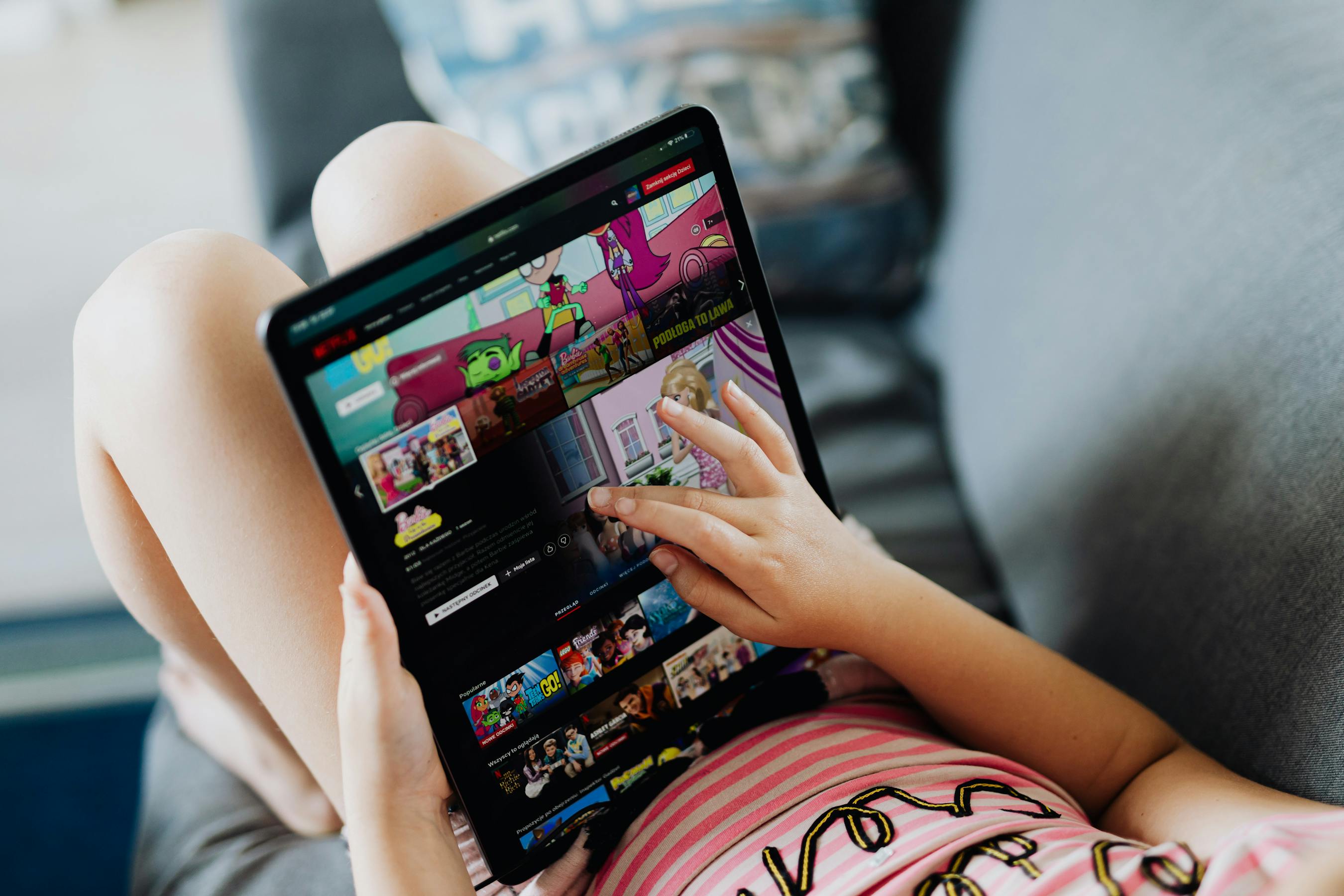
Age-Appropriate Content on Streaming Services: A Parent's Guide
What content ratings actually mean on Netflix, Prime Video, Disney+, and YouTube — and how to enforce age-appropriate viewing with Cylux.
Understanding Streaming Content Ratings
Content ratings are standardized by the TV Parental Guidelines system in the US and equivalent bodies internationally. Here's what each rating means:
- TV-Y: All children. No violence or themes requiring parental guidance.
- TV-Y7: Ages 7+. Mild fantasy violence acceptable. TV-Y7-FV indicates fantasy violence.
- TV-G: General audience. Suitable for all ages.
- TV-PG: Parental guidance suggested. May contain mild language, limited violence, or themes unsuitable for young children.
- TV-14: Parents strongly cautioned. Intensive violence, sexual content, or coarse language.
- TV-MA: Mature audiences only. Not suitable for under 17.
Movie ratings (G, PG, PG-13, R, NC-17) follow MPAA standards.
Age-Appropriate Guidelines by Age Group
| Age | Max TV Rating | Max Movie Rating |
|---|---|---|
| Under 6 | TV-Y / TV-Y7 | G |
| 6–9 | TV-G / TV-PG | G / PG |
| 10–12 | TV-PG / TV-14 | PG / PG-13 (parental discretion) |
| 13–15 | TV-14 | PG-13 |
| 16+ | TV-14 / TV-MA (with parents) | R (with parents) |
Setting Rating Limits on Each Platform
Netflix
Account → Profile & Parental Controls → Viewing Restrictions → select maximum rating → enter PIN.
Amazon Prime Video
primevideo.com → Account → Parental Controls → set PIN and maximum rating.
Disney+
Profile → Kids mode (G/TV-G), or Account → Parental Controls for specific rating limit.
YouTube
No per-rating controls on standard YouTube. Use YouTube Kids for under-12 and the Restricted Mode toggle for teens. Cylux app controls provide the most reliable YouTube time limits.
Why Rating-Based Controls Alone Aren't Enough
Ratings are assigned at the content level, but context within content varies widely. A PG-13 action movie may be appropriate for one 12-year-old and not for another. Cylux's monitoring lets you see specific titles — so you can verify that the rated-appropriate content is also contextually appropriate for your specific child.
The Complete Solution
Set rating limits on each platform and use Cylux to monitor what's actually watched. Visit cylux.co.
Cylux Features
See Everything Cylux Can Do for Your Family
See Cylux plans and pricing — from $4.99/month.
Screen time limits · App blocking · Web & content filtering · GPS location tracking · Remote device lock · Bedtime enforcement · Call & SMS monitoring · SOS panic button · Real-time content monitoring · Activity reports — works on Android, iOS, iPad, Windows, Mac, Chromebook, Kindle, Roku, Smart TV, Samsung, LG & every Smart TV. One parent dashboard for every device your child uses.
Explore All Features →Written by
Cylux Team
Published April 26, 2026
Ready to protect your family?
Keep your kids safe online
without breaking their trust.
GPS tracking, app blocking, screen time limits, and real-time alerts — all in one app used by thousands of families.
Get Started